I’ve held this for a while, because I think that a mobile rig is a great idea, but for me when I play with one, it limits how I play. One of my techniques on EMs is to lean over the machine and slap the cabinet at the top, instead of nudging at the bottom where the flippers are. It is much more accurate and far less likely to tilt, because the tilt bob is hardly influenced. I do this consistently on games like Mars Trek, Grand Prix, Hot Tip, Star Pool, Volley, and others.
Any time I’ve played on stream, this is unavailable to me as a way to play. I was watching an old stream where one of the commentators said the ‘goal was to capture the gameplay with as little disruption to how people play pinball.’ This is why I bring this up. Do I have an opportunity to ask that the rig be removed from an EM if I am playing at a tourney that is being streamed?
Speaking for YpsiPinball, if you explained this to us, we would do everything we could to accommodate you. Our most common approach to similar requests is to just not stream any groups you’re in.
If you make the finals, then we confer with the TD as to the best way to handle the request. In this case, my guess is that we’d pull the rig out for your balls and put it back for everyone else’s.
For major tournaments, there is a sign at registration that says by signing up, you agree to be streamed, so the TD could insist that we stream you, but we always encourage the TDs to try not to affect the player.
I’ve had players on multiple occasions tell me they just simply don’t want to be on camera for different reasons. Is it annoying? Yes. Do I accommodate them? Yes. The rig should not interfere with your gameplay in any way, even if it’s a mental block. Not to sound rude, but every time this has been requested, it was never a player who was going to make the finals. People who have the fortitude and skills to make the finals don’t really care if they’re on camera or not. Winners find a way to win. Most people with that mentality enjoy being able to watch the footage later to find areas for improvement.
If you want a much more affordable option to the AT BHPS1 headsets, you can go with the Koss SB40. You’ll need a 3.5mm to XLR adapter & a 3.5mm to 1/4" adapter to make them work with your interface. If you don’t have an interface, the Focusrite Vocaster two is a solid, affordable option. I run this setup & it works great. I’ve got less money into my entire audio setup than 1 BHPS1 headsets costs.
Anyone has a good recommendation for a camera clamp/bracket for a ZV1 used as a score cam but that needs to be push back at least a foot to make sure i cap full backbox on classic games?
I have tried a couple different and either they are too short and they slowly drip down with the weight of the camera…
I may try those, i like that kind of clamp systemp
I have a few of those and they ten to slide of against the vertical post with the weight of the cameras and moving around of the rig.
It’s a bumpy floor where we stream!
This is the most versatile thing in my kit. I can’t praise it enough. Only issue is that they don’t have the app available in native Apple Silicon, only rosetta 2 binary.
I also want to point out that RODECaster is getting stiff competition. If I would buy a new interface today I would get the Zoom PodTrak P4next. It has everything you’d need for a fraction of the size and price of a RODECaster. If you need Bluetooth, an adapter can be bought separately.
If anyone is one the fence for 4K60 HDMI transmission you should sit down for a hot minute.
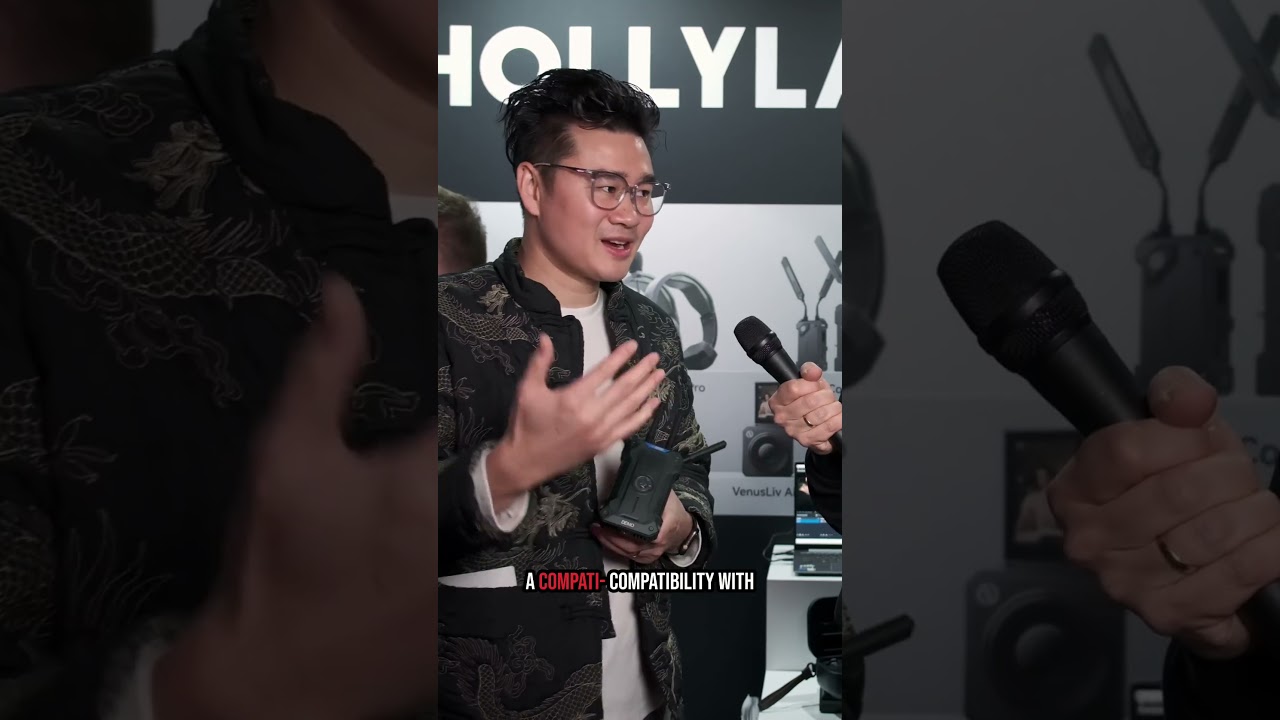
I’m really interested what Hollyland can do in this realm as Accsoon is not it and Teradek outprice us.
22ms latency is about a frame and a half which is insanely low for 4K60. I’m afraid the bitrate will suffer. Time will tell, release around NAB in a month.
Has anyone tried the DJI SDR units? Supposedly better than the C2 and reasonably priced. Here’s what Grok had to say. Seems compelling to me.
DJI SDR Transmission is the clearer winner for your exact setup—3 independent cameras each sending clean 1080p/60fps wirelessly to its own dedicated receiver, then into one laptop (via three HDMI capture cards or similar into OBS/vMix/etc.) at ~200 ft. It will deliver the most stable frame rate (no drops or stuttering) and the lowest chance of the three systems interfering with each other.
Why DJI SDR Wins on Stability & Interference
Frequency management (the biggest factor for 3+ units): Tri-band SDR tech (2.4 GHz + 5.8 GHz + DFS 5.47–5.725 GHz) with automatic frequency hopping and dynamic bitrate adjustment (up to 20 Mbps). You get far more clean spectrum than 5 GHz-only systems, and DFS bands are typically much less crowded. Official guidance explicitly covers multiple transmitters: manually select staggered channels (with on-screen quality indicators—pick the highest-quality non-overlapping ones, preferably DFS), space transmitters >1 m apart if needed, and receivers >0.3–0.5 m. This is designed precisely for scenarios like yours (multiple independent TX–RX pairs in the same space).
Frame-rate stability at 1080p/60: 35 ms latency (excluding camera/display), H.264 encoding, and dynamic bitrate keep the feed rock-solid even if minor RF noise appears. At only 200 ft (well under its 3 km Control-mode range), you’re in the “bulletproof” zone—no frame drops reported in reviews for short-range multi-unit use.
Multi-unit real-world performance: Built for broadcast workflows with one TX to unlimited RX in Broadcast mode, but in Control mode (what you’ll use) it handles multiple separate TX–RX pairs seamlessly. Users and DJI docs confirm excellent results with 3+ transmitters when channels are staggered.
Hollyland Cosmo C2 Comparison (Very Close but Not Quite as Robust Here)
It also fully supports 1080p/60 (33 ms latency, up to 3,000 ft LOS) with HEVO 2.0 auto-hopping and a nice “FPS Booster” that converts lower inputs to smooth 60p output.
The big native advantage is its 2 TX → 1 RX design: one receiver gives you two separate HDMI/SDI outputs (A and B, one per transmitter), so you could cover two cameras with a single RX + dual outputs into two capture cards. For the third camera you’d add another TX + RX (or a second kit). Hollyland’s own FAQ explicitly says “Up to 3 sets of Cosmo C2 can be used in the same situation” and recommends spacing channels with at least two channels between each set.
However, it’s limited to 5 GHz only (5.15–5.85 GHz). Auto-hopping works well, and you can manually pick channels, but you have fewer total channels and no DFS band. In a 3-system setup (even with proper spacing) there’s simply a higher statistical chance of the three kits stepping on each other compared with DJI’s tri-band + DFS approach.
Practical Setup Notes for Either (Both Work Great at 200 ft)
Buy three full TX + RX pairs for DJI (or mix kits for Hollyland).
Link each TX–RX pair, put them on different/staggered channels (use manual mode on both systems).
Run HDMI (or SDI if you prefer) from each RX into three separate capture cards on the laptop.
Power: Both support NP-F / V-mount / DC; USB-C monitoring is a bonus on DJI.
At 200 ft line-of-sight or even moderate obstruction, both will be extremely stable—but DJI’s extra spectrum and dynamic adjustments give it the edge for zero frame-rate hiccups when three systems are running side-by-side.
If your venue has heavy 5 GHz Wi-Fi or other wireless gear, DJI’s DFS + hopping will shine even more. Both are excellent professional tools, but for your specific “3 separate feeds, rock-solid 60 fps, minimal self-interference” requirements, DJI SDR is the most reliable choice. If you tell me your exact cameras or whether you want to minimize the number of receivers (Hollyland’s 2TX-1RX trick), I can give exact kit recommendations!
I listed another one of my CineView HEs for sale on eBay. The DJI SDR has intrigued me enough to try for the upgrade.
If the stability is as good as the reviews claim, the ideal setup might be a DJI SDR for the playfield and a Hollyland C2 for both the player and display cameras in 2TX/1RX mode. In theory, that would have the most minimal amount of interference when transmitting. I only have a C1, so my tests would be with an SDR, C1, and CineView HE running at the same time.
BTW, We at Lyons Classic Pinball been running wifi (non-ndi - licensing sucks!) based rigs. I will eventually do a full write up, but TLDR:
Under good wifi conditions, it works great. This means you need good coverage, not a ton of AP interference and modern-ish topology. Not a great option for your ballroom style setups, but absolutely invaluable for LCP - we have several floors, each room with games is tiny with lathe and plaster walls, and there is a warehouse with a whole building in between.
100-200ms latency is completely achievable with webrtc. Will soon experiment with SRT as well
software is open source and available here - BOM is pretty simple, a mini pc (im using FriendlyElec NanoPC-T6-LTS), a usb cam for player, a usb capture card for score cam and built in HDMI IN for playfield cam.
David Witucki built the overlays and pinball director software.
yes, we have a central producer PC (wired) that receives video feeds from the rigs. For that event, each camera was an individual feed, but I’ll be composing it in the future into a single video.