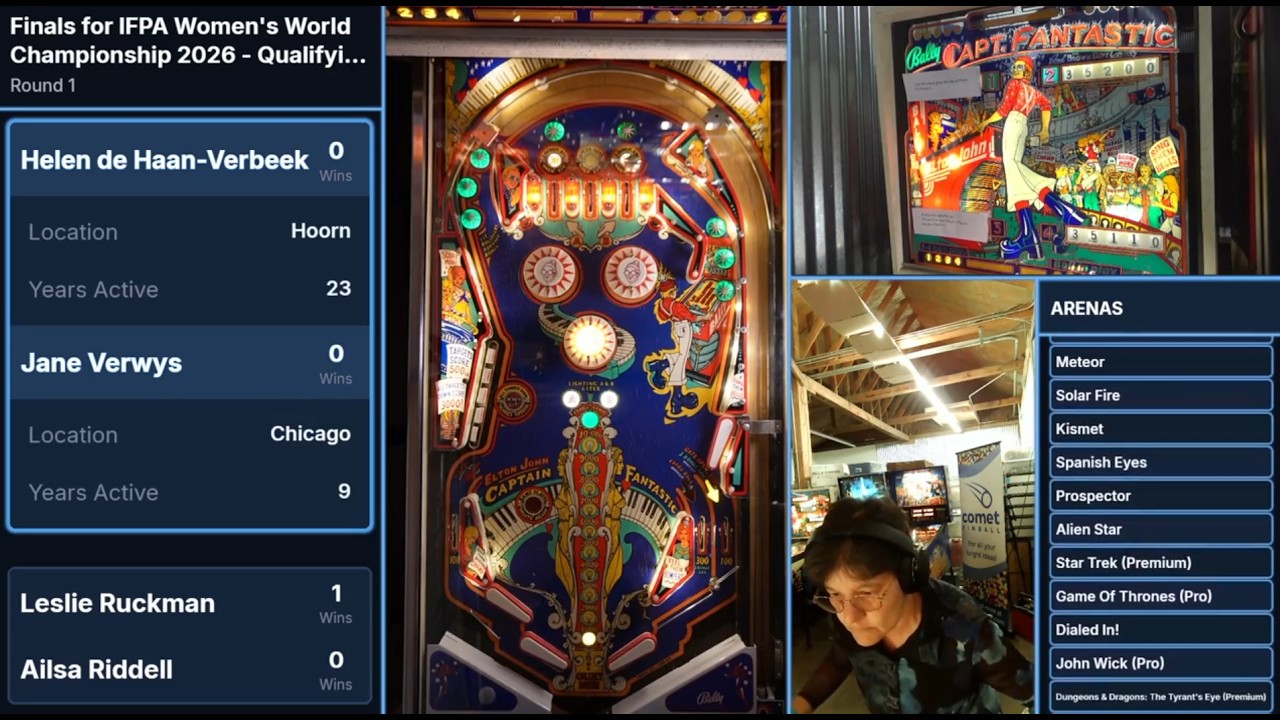
I imagine you would compose prior to transmission, into the layout you want, to reduce the bandwidth requirement. Focus on sending 1 high quality feed, instead of at least 3 (player, playfield, score). That’s a great solution!
Processing costs of layout are local on the mini pc. This would let you scale up to potentially even more cameras without more transmitters! Tilt bob camera, upper playfield camera, etc
So you use your mini pc like a yolobox, but the advantage is you get to pick and control custom layouts? Then the central PC can handle the production level processing.
For fancy transitions, you’d have build those in to be local on the mini pc?
yeah pretty much. No fancy transitions. I think encoding budget wise, there is room for 3x more cameras from the same mini pc (its technically sbc, but whos checking? )
The fun stuff is using some local AI models to classify, do OCR, crop the playfield, etc!
I can’t for the life of me figure out how to bring the buffering down from the one full second that comes with SRT, rock solid otherwise. It becomes unusable for pinball streaming if commentators are anywhere near the game being played. Let us know your findings once you get there.
Do you have a video example of what this is? I’m intrigued.
I’ve bought myself out of this situation. I’m publishing the solution later this week.
That didn’t take with my encoder (I was using an N60).
It means that the delay of one second becomes an unbearable echo/delay audio artifact that the commentators will have to deal with if they can hear their surroundings.
Nope, I’m with you. I despise the mini fridges. My review and full story is now up on YouTube: https://youtu.be/fBBMZlzKZUo
Fantastic video. Thanks for sharing this solution. I’ve never had to stream longer than 6-7 hours for my small local tournaments, but I knew I needed a better solution for down the road. This will definitely be my next upgrade. I also love the v-lock mounts you have on the rig. My batteries get strapped in with Velcro, which has worked well for me and is fast, but your solution is just so much better. I already use quick mounts for all my cameras from your suggestions, so this is the next step.
I’ve landed on those exact Smallrig arms for my cameras. So much more robust than the cheaper Neewer arms I had started with.
My Hawklock quick mounts are ok, but they can develop wobble over time. I lost count of how many I’ve bought (I have a rig at home and a rig at my local arcade). If I ever have to replace things, those v-mounts look great for every purpose.
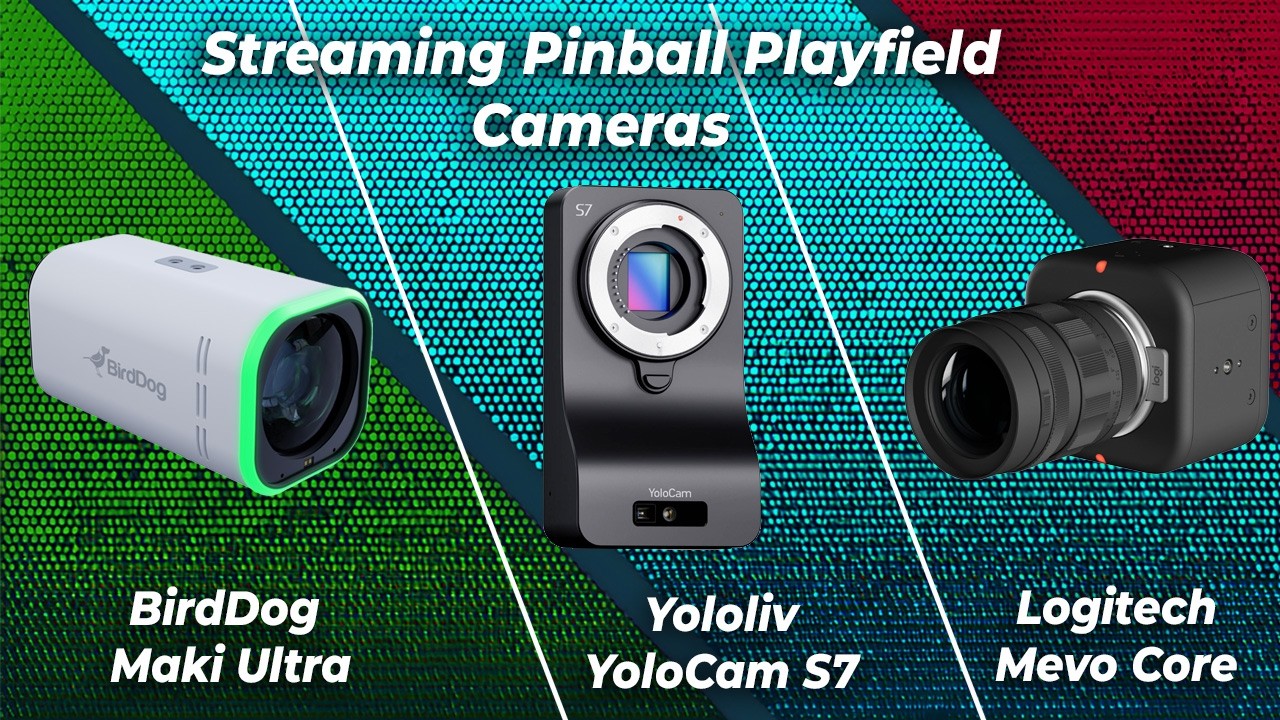
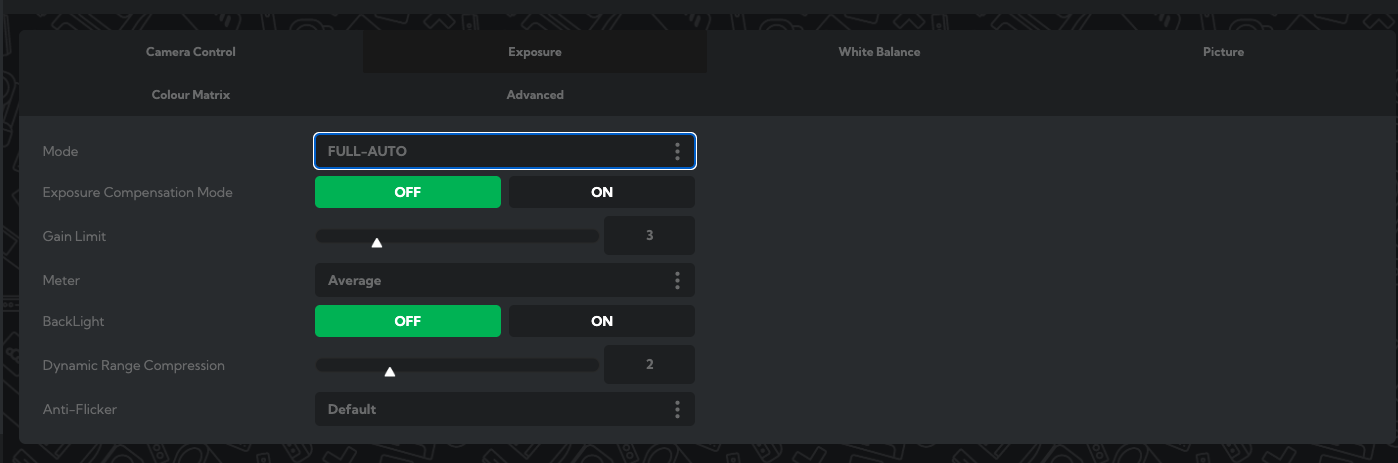
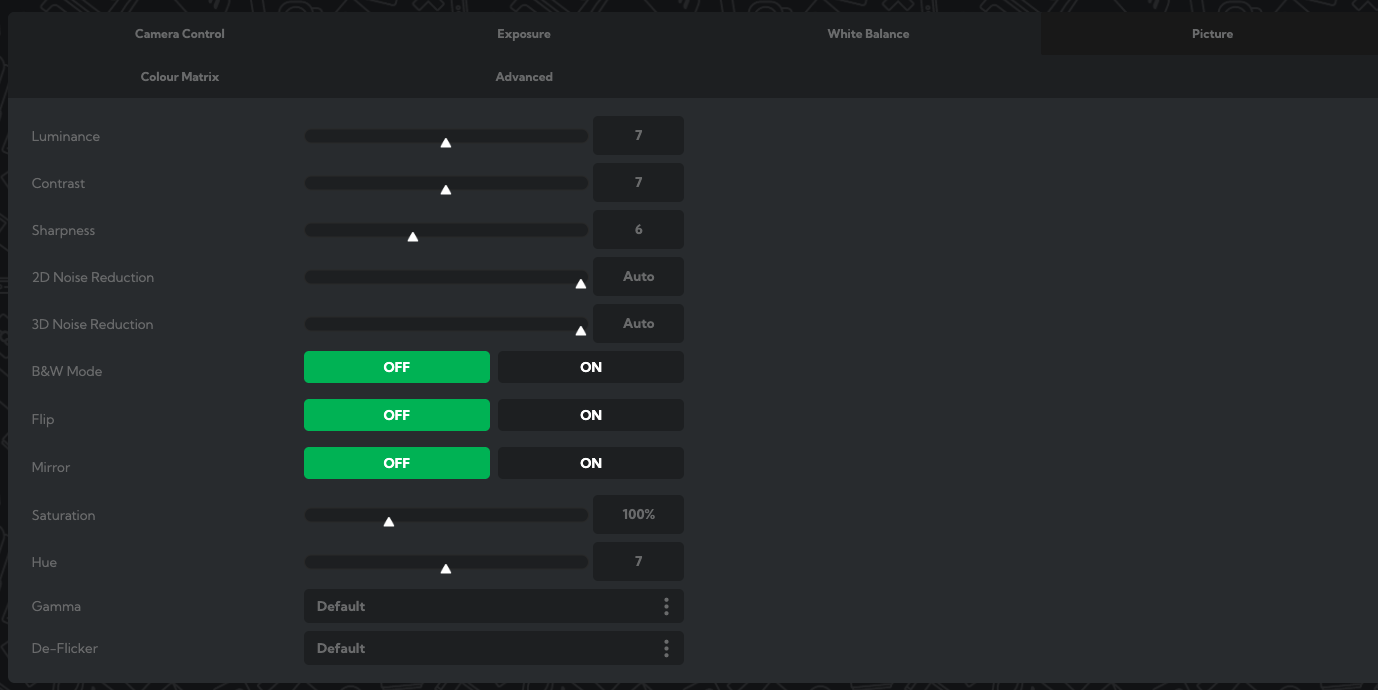
Thanks for posting these. I’m surprised to see that BirdDog being so vivid. Can you also post the settings these run at? F-stop, ISO and shutter speed. Also knowing the sensor’s native ISO help understand why things look like they do.
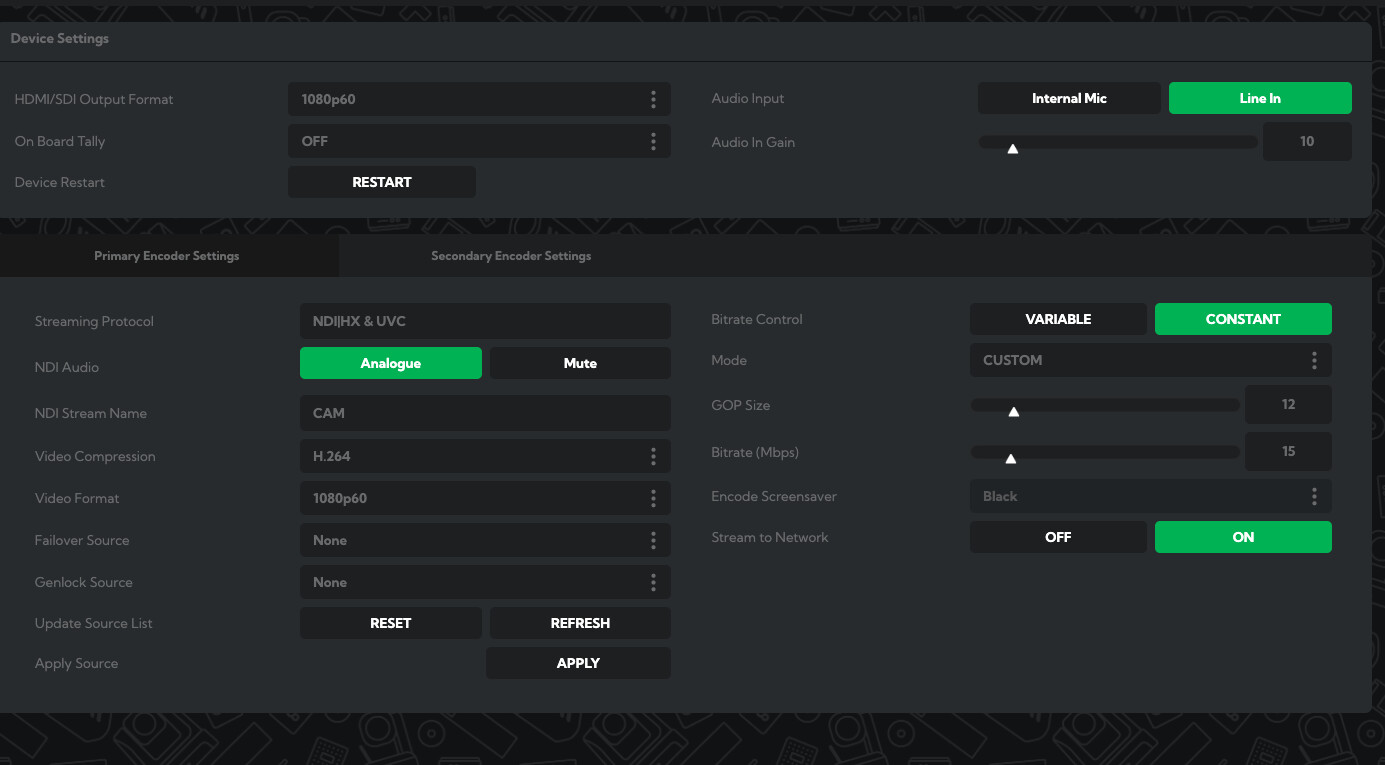
The Accsoon’s have terrible bitrate, the 4K can only do up to 12Mbit/s and the other ones are in the low single digits. Since the BirdDog has NDI natively you’d be much better off bringing your own network and use the new Magewell Pro Convert IP to AIO 4K to “fan in” the 1080p60 NDI|HX3 streams and capture a single 4Kp60 canvas. NDI|HX3 is visually lossless if the camera supports the latest version of NDI and uses HEVC which runs you about 80Mbit/s per 1080p60 feed.
You can of course bring the feeds straight into OBS with DistroAV (NDI plugin for OBS) or using RTMP natively but YMMV as I’ve found out the hard way that OBS is not that efficient in dealing with multiple high bitrate ingestion. Blame the Mac, that’s fine, but having a single 10Gbit/s video capture card that offload all processing simply runs cooler.
I love the level of control that the BirdDog gives me, if I was hooked into a router (as you are @dri ) I’d tweak these more on the fly, but Auto or even Shutter priority is working well.
BirdDog has been in the game for a while when it comes to NDI. They got a bad rep on r/videoengineering for the NDI encoder/decoders but I let bygones be bygones. How far can you slide that bitrate slider?
 )
)