I’ve never had issues with the 405s. Some have the battery and others didn’t. If I had them plugged into a power bank, they worked fine. Same for the ZVs. Haven’t had issues yet.
I second this. Cameras that are powered by USB and require the battery in the camera is a no-go for me. Dummy batteries does not generate heat as they’re most of the time just empty shells and have the transformer hanging as a dongle close to the power source.

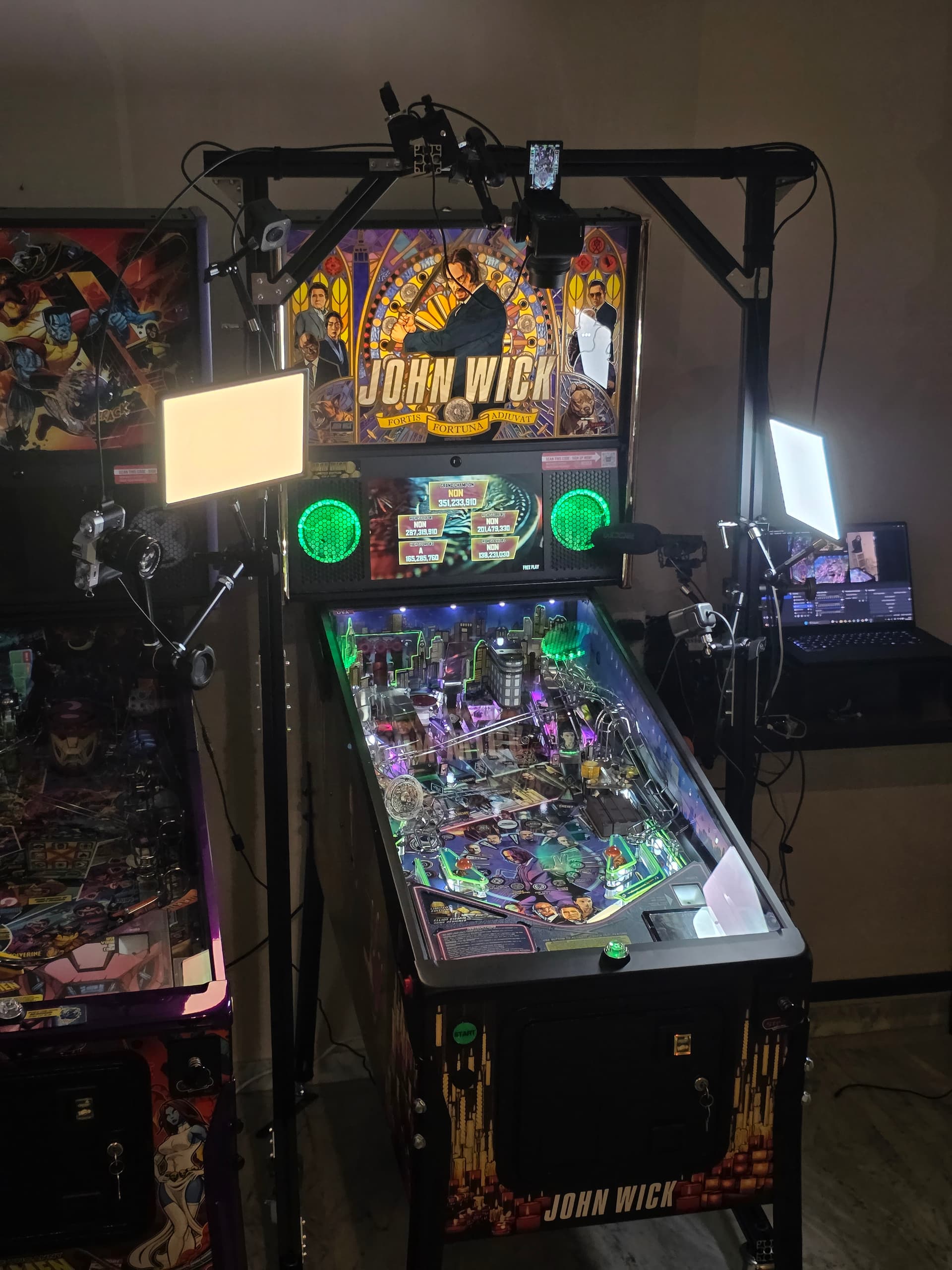
Slightly different to stream setups, but has anyone had any luck with a GoPro like setup to record your game pov?
I’m wondering if I could
A.get a GoPro like camera that will do well with speed of pinball movement.
B. 3D print a mount that could clip on my shirt, as I have no clue if a general GoPro chest strap would even have the right angle to record the table.
I know that this setup would be sub optimal, but just an idea I had for my own record and being able to review my games.
People have used them before clipped onto the lockdown bar to get more of a players perspective of the game.
1 Like
I can actually see how that would be better. I think I’m gonna have to try a few types.
I’m not the most outgoing, so I don’t want to have to clip something on / next to a machine in public, hell I wanted to make sure the GoPro didn’t seem all too out of place either. But if I want non shakey footage and a consistent angle, I will probably need to think about clipping to lockdown bar.
Cheers!
1 Like
I used a 3rd party suction cup mount for my GoPro when I was doing live streams from odd locations on odd games.
Example VOD: https://www.youtube.com/watch?v=vQr3sb0sVqI
I went to a handful of public locations and asked for permission to stick the camera on the glass and not a single one turned me down.
You can use the post-processing stabilizer on the GoPro if you’re just recording and you’ll not get any shakes whatsoever. The particular GoPro I had, can’t remember which, added more than one second latency on the live feed video, not sound, and OBS can only do one second (1000ms) render delay to compensate. So it fell apart trying to align audio/video during a live stream, hence the video above is “shaky”.
2 Likes
Hey there! Greetings from Finland.
I was wondering if anyone has any good suggestions on how to stream the award ceremony after the tournament?
We’re using wired SDI as our connection, so a possibility to connect one camera that way could work, but has anyone experimented with wirelessly streaming video from a cell phone to OBS in Windows?
I have two ways to go about this.
- I have my player camera in landscape mode so I can simply flip to fullscreen player camera and I have a stationary award ceremony. Example: https://youtu.be/nsuwaByhIC8
- You can plug in the NDI Camera app (available for both Apple/Android) to OBS using the DistroAV plugin. This is only 30fps on at least my Pixel 9 Pro phone. Example (this is a tie-breaker game but you get the idea and I recommend using a gimbal/tripod): https://www.twitch.tv/videos/2503787396?t=0h2m20s
1 Like
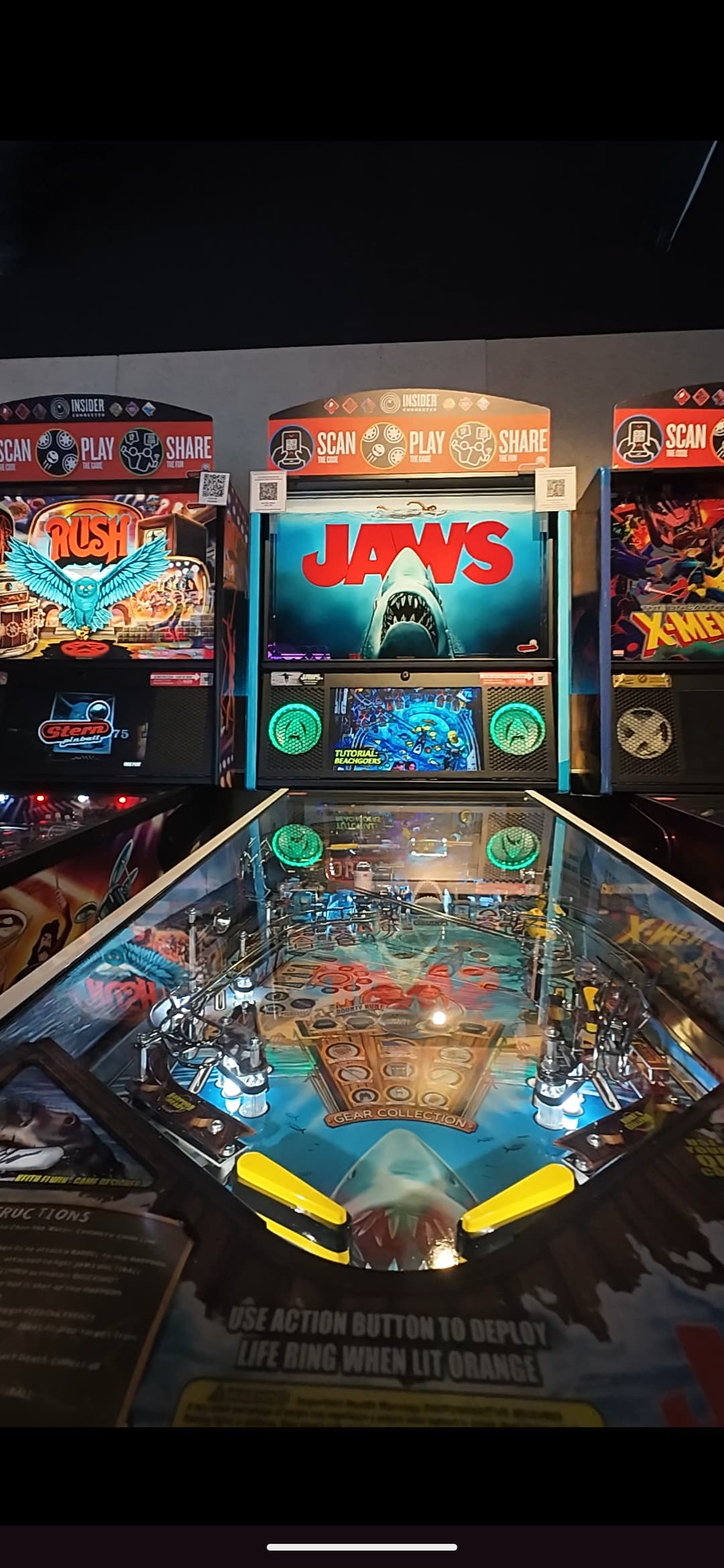
Thankyou for this! I ended up picking up a magnet mount that sits on lockdown bars really well, and I even got the courage to use it last weekend when my partner and I went to play pinnies. (See screenshot below)
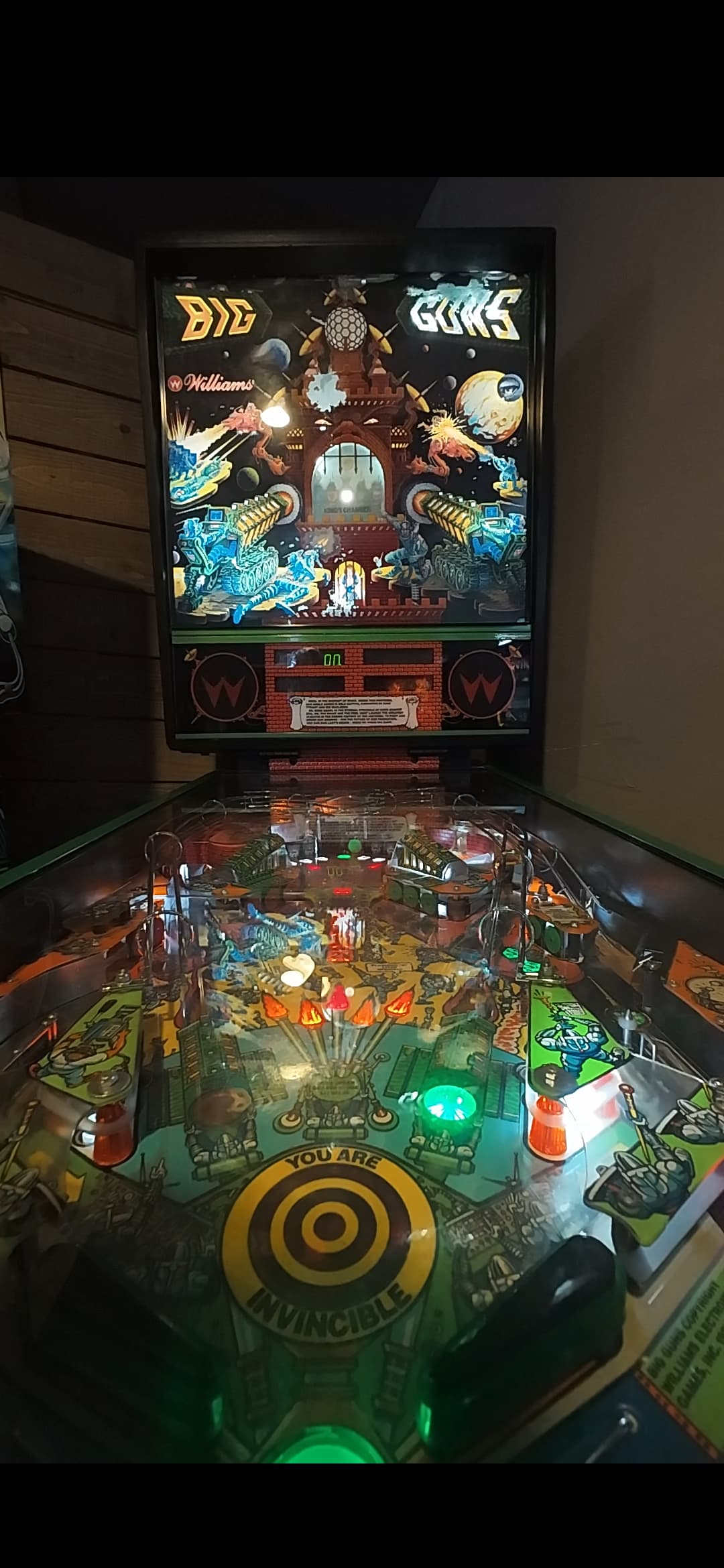
Still playing with chest lanyards (mounts are a bit full on) and have been pretty happy with my results. Thinking I may 3d print something to keep it at a better angle. (See horrid angle of just letting the camera dangle from a lanyard below)
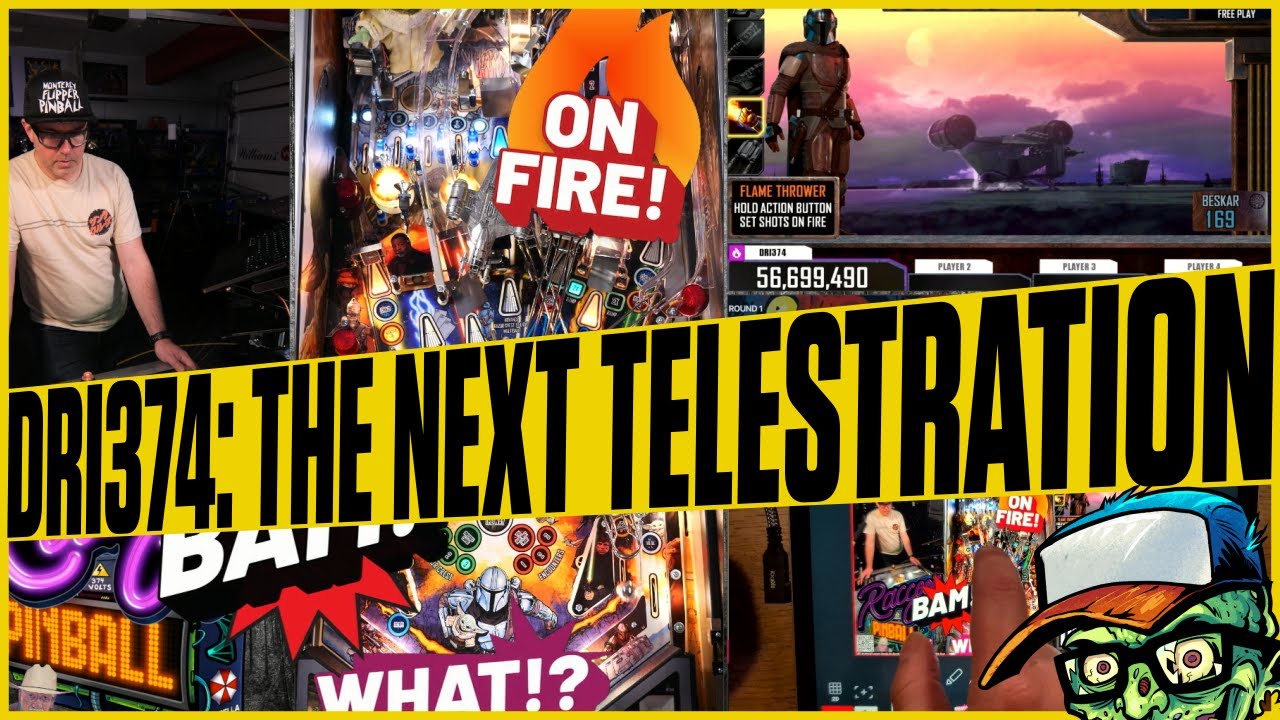
I recently did another survey of telestrating solutions. This time around Telestripe came up. I haven’t seen anyone else using it and I thought I’d do a show & tell. It’s basically just an iPad app with NDI going in and out. I could not dream up a better solution if I tried.
3 Likes
I’ve been streaming my weekly pinball tournaments on Twitch for the last couple years (twitch.tv/rlmamusements) and I want to make some upgrades to my 80/20 mobile rig. It’s what I would call an “economical” rig. I have a mini-PC mounted on the rig and all the cameras, HDMI encoders, microphone, USB hub, etc are connected to that PC. The PC is running Windows & OBS with just a simple capture of the cameras and the audio from the microphone. I then send that OBS stream via wifi to my desktop PC which is also running OBS. I then put together all the scenes, video and commentary audio on the desktop PC and then stream that to Twitch via my hardwired connection. This was all done as a cheap solution to not have to use wireless transmitters on the rig or have wireless encoders and an HDMI capture card at the desktop PC, mostly due to cost and not really knowing if I was going to do this long term.
It works fine for the most part but there is about 6-8 seconds of lag between the rig and the desktop PC and it’s really been bothering me the last few months. There is also a lot of crap on the rig including various wiring and a UPS which I have to plug into the wall every time I move it as it doesn’t provide much battery backup.
I’m thinking of finally taking the plunge and getting wireless transmitters on the rig and a 3 port PCIe HDMI capture card.
I’ve been looking at the TIMBOOTECH Wireless HDMI Transmitter & Receiver for $136 (would need a set for each camera on the rig) along with the ACASIS 4K HDMI PCIe x4 Video Capture Card. I don’t really need 4K but the price for that capture card is only $224 and it’s got decent reviews.
Does anyone have any experience with any of these? For reference my streaming environment is a 2500 sq ft open space with no walls.
Any input would be appreciated. Thanks!
I have been considering shortening my rig so it is nice to hear that you took two inches off yours. Since my camera is always significantly below the top of my rig, I assumed it wouldn’t affect filming performance to make it shorter.
Now the issue becomes how to get it cut?!?! Is there anywhere in the Bay Area I can take pieces to get precision cuts? Given my lack of tools and know-how should I just order shorter pieces?
You can get rid of the lag using the DistroAV plugin for OBS which uses low latency NDI and excellent quality (high bandwidth). I use this for the Rent-A-Rig concept at Lynn’s and lag is in the teens of frames.
A UPS was not designed for this use case. Many power banks/stations has a wall plug which I assume your mini PC requires.
Never heard of. Be aware that many of the budget systems can’t have more than one RX/TX in the same space as they knock each other out if you have more than one.
@neilmcrae has tested the external ACASIS and haven’t complained about it. I also think you’re pulling the specs of the Amazon product page, which are false. It’s a 4 x 1080p60 capture card. It would be a bit optimistic trying to move 4 x 2160p60 streams on PCIe x4 IMHO.
Folks being blessed with a wide open space and a stringent budget I recommend using a multi-viewer with the Monoprice 1080p60 RX/TX. It moves data “uncompressed” and are orders of magnitudes more crisp than the Accsoons and Hollylands that are designed for low latency monitoring of the framing in film production (bitrates are in the single digit Mbit/s).
1 Like
Make sure you have enough in the frame by lowering the camera 2". Also, watch for tall people. 
I ate the cost buying two shorter segments. It’s not worth my time trying to find someone local to deal with the cutting and machining.
Very interesting. I’ll have to look into this option more. Thanks for the info!
Blackbirds are were many of us started and they were fantastic but you can only use 2 of them - could never get three to work and any obstruction would have a significant impact on reliability - your hand can impact them and an example. So if you have line of sight they are worth considering. Also I recommend getting a short external cable and connecting it to the blackbird and then don’t remove it as the power connecting ports become super loose after a while.
This will help you, and probably others, along the way.
1 Like
This setup seems like it would be a really good, inexpensive fit for my location and rig. How would I go about sending audio with my Blue Snowball on the rig to the main computer running OBS? Can I connect that mic to one of the cameras mic ports and grab the audio that way via the multi-viewer? Or would I have to use either the RCA or optical audio inputs?
The optical and RCA connectors are outputs only.
Under normal circumstances you connect one or two mics (or a mixer with a line to mic attenuation cable) to one of the cameras in the rig and you pick that HDMI input as your audio source on the multiviewer (don’t forget to get a serial cable to program the multiviewer). The audio will get picked up by your capture card at your streaming computer.
AFAIK, the snowball mics are USB-only with no analog outputs, I could be wrong though.
1 Like